

The Marina Software Buyer's Guide

What Marina Management Software Actually Is
A plain-English tour of the category, before the vendors define it for you
Vendors describe marina software in language that assumes you already know what they're selling. "All-in-one platform." "Fully integrated suite." "End-to-end solution." None of those phrases tell you what the software does. This chapter does.
The category, minus the jargon
Here's the thing nobody says out loud: "marina management software" is not one product. It's a set of modules, each handling one part of running a marina, packaged and sold together. When a vendor says "all-in-one," they mean they've bundled several of those modules under one login.
That's it. Once you see the category as a stack of modules instead of a single mysterious "platform," evaluating it gets dramatically easier. You stop comparing brand names and start comparing capabilities.

Marina software isn't one thing. It's a set of modules, and knowing which is which is half the evaluation.
The rest of this chapter names the modules, explains what each one does in plain terms, and shows how they connect. This is the vocabulary the rest of the guide uses, so it's worth fifteen minutes even if you think you already know the category.
The core modules, defined
Most marina platforms are built from some combination of these eight modules. No marina uses all of them equally, and not every vendor includes all of them. But this is the full vocabulary.
Slip and berth management
The core. Who is in which slip, on what contract, paid or owing. Tracks occupancy, seasonal and transient assignments, and waitlists. If a platform has one thing, it's this.
Reservations and online booking
Taking bookings, especially transient, with live availability, deposits, and confirmations. The difference between a boater booking at midnight and a boater calling your front desk on Saturday.
Point of sale
Selling things: ship store, services, parts, launch fees. Rings up a sale and, ideally, charges it straight to a boater's slip account instead of a separate transaction.
Billing and payments
Invoicing, recurring slip fees, autopay, and payment processing. Where most of your money actually moves. Handles the dull, critical work of getting boaters to pay on time.
Customer portal
The boater-facing side. Where customers pay bills, update details, request services, and book online without calling. Cuts front-desk phone time and speeds up payment.
Fuel management
The fuel dock: metered sales, pump integration, tank and inventory tracking, and margin reporting. Only matters if you sell fuel, and matters a lot if you do.
Accounting integration
The connection to QuickBooks, Sage, or your accounting system. Pushes revenue, invoices, and payments across so your bookkeeper isn't re-keying numbers by hand at month-end.
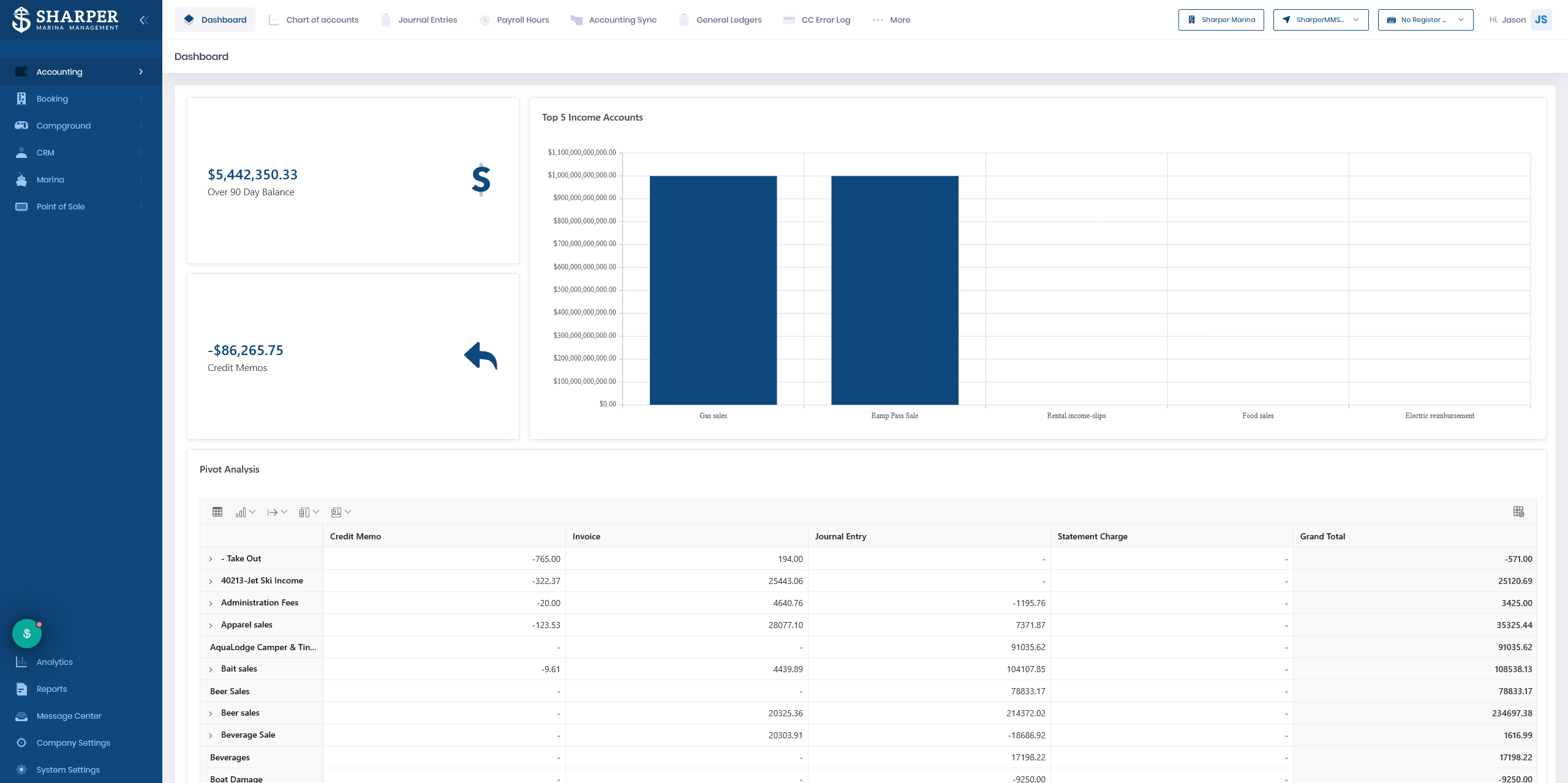
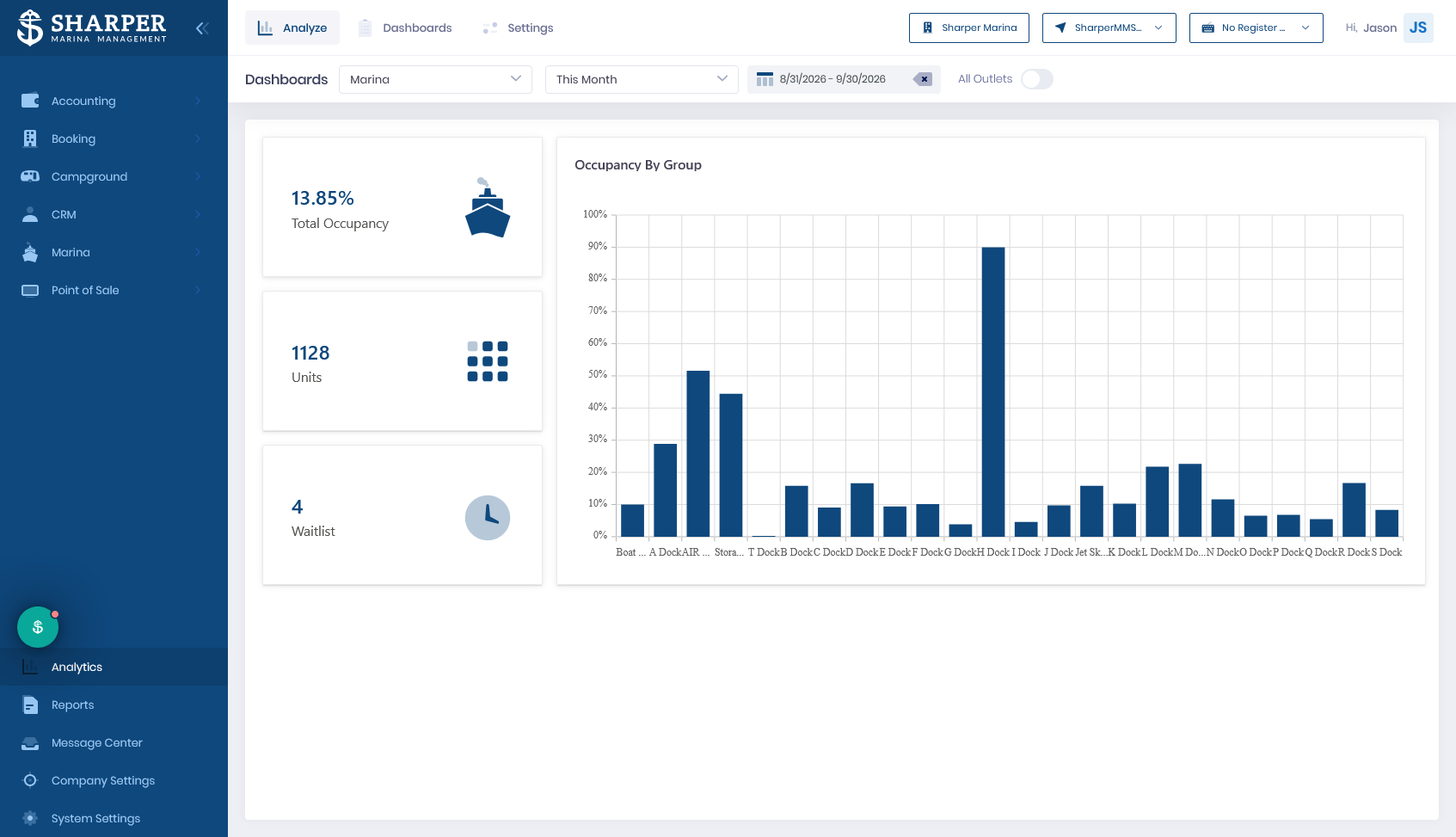
Reporting and dashboards
The view from above: occupancy, revenue, accounts receivable, and trends. Only as good as the data the other modules feed it, which is why they all have to connect.
How the modules fit together
The modules aren't islands. The whole point of a platform is that they share one set of data. The clearest way to see this is to follow one boat.
A transient boater books a slip for the weekend online (reservations). She's assigned slip B-14 (slip management). On arrival she fuels up (fuel) and buys ice and a chart at the store (point of sale), both charged to her stay. At checkout she gets one invoice (billing), pays it from her phone (portal), and the revenue lands in your books (accounting) and your weekend numbers (reporting).
One booking. Seven modules. If they share data, she was entered once. If they don't, someone re-keyed her four times.
That last line is the whole game. When the modules are genuinely one system, information enters once and flows everywhere. When they're separate tools wearing one logo, your staff becomes the integration, copying data between screens that don't talk.
If a "module" requires you to type the same boater, boat, or slip into a second screen, it isn't really part of the system. It's a separate product the vendor bolted on. Ask where data is entered once and where it has to be entered again.
What "all-in-one" actually means
"All-in-one" gets used two ways, and the difference matters more than almost anything else a vendor will tell you.
- One system. The modules were built together and share a single database. Data enters once. This is the version worth paying for.
- One bundle. Several separate products, sometimes acquired from different companies, sold together under one brand and stitched together with integrations of varying quality.
Both get marketed as "all-in-one." From the outside they can look identical. The difference only shows up in daily use, in whether your team enters data once or many times. So make it show up during evaluation.
Ask the vendor to follow one transient booking from reservation all the way to the accounting export, without re-entering the boater anywhere. Watch what they actually click. A true single system does it on one record. A bundle reveals the seams fast.
The other thing "all-in-one" hides is pricing. Modules are usually packaged into tiers, so the bundle decides which modules you get. You may pay for ones you'll never use, or find the one you need most sits behind an add-on. Chapter 14 takes that apart.
Chapter 8 evaluates integration quality (not just whether integrations exist), and Chapter 12 covers how to run the demo so the seams show.
Which modules you actually need
No marina needs every module, and paying for ones you'll never open is a common, quiet waste. What you need depends on how you actually operate. A rough guide:
| If you are mostly | The modules that matter most |
|---|---|
| Transient-heavy | Reservations and online booking, customer portal, point of sale |
| Annual-lease and seasonal | Slip management, billing and recurring payments, accounting integration |
| A fuel dock operator | Fuel management, point of sale, reporting |
| Running on paper or spreadsheets today | Slip management and billing first; add the rest later |
| Multi-property | Reporting and dashboards across sites, accounting integration |
This is also the answer to a question vendors love to dodge: "do I need the top tier?" Usually not. You need the tier that includes the modules that matter to your operation, and nothing you're buying just to check a box.
You're not buying "marina software." You're buying a specific set of modules that share data. Know which modules matter to your operation, and confirm they're one system rather than a bundle, before price ever enters the conversation.
Chapter 4 turns this module vocabulary into the five dimensions you'll actually evaluate against. Every later chapter assumes the words defined here, so this is the foundation the rest of the guide is built on.
Why most marinas wait too long to switch
The cost of switching is visible. The cost of staying is invisible. This chapter makes the invisible cost visible, so you can judge your own situation honestly.
Read Chapter 3 →References and further reading
- Sharper MMS, Map the Switch Migration Assessment
- Association of Marina Industries (AMI), industry research and benchmark data. marinaassociation.org
- Storable Marine, AMI, and Marina Dock Age, Navigating the Numbers: 2026 Marina Operator Insights & Technology Automation